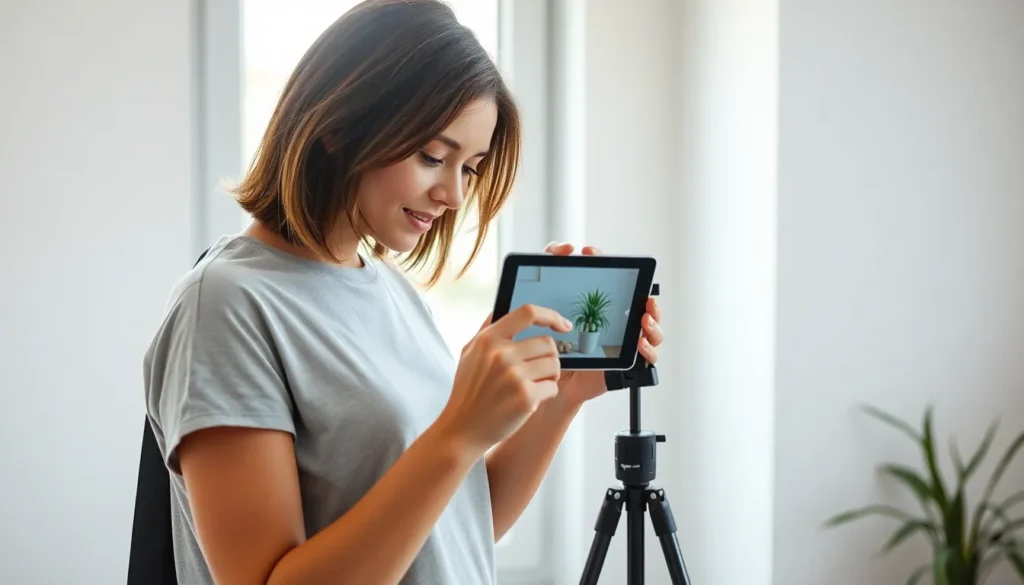
In a world where everyone’s a photographer, it’s time to elevate that tablet from binge-watching buddy to a serious photography tool. Imagine capturing stunning shots without lugging around a bulky camera. With just a few tweaks, your tablet can transform into a portable studio, ready to snap the perfect pic at a moment’s notice.
Understanding Tablet Photography
Tablets serve as versatile tools for photography, combining portability with decent camera features. This section explores the benefits and limitations of using a tablet for photography.
Benefits of Using a Tablet
Tablets offer easy access to various photography apps that enhance image quality. Their lightweight design allows for effortless handling during shoots. High-resolution screens improve image composition by providing clear visualization. They often come equipped with powerful processors, enabling quick editing and sharing. Additionally, integration with cloud services simplifies storage and backup of images. Tablets can also function as larger viewfinders, making it simpler to frame shots accurately.
Limitations of Tablet Photography
Tablets may struggle with low-light conditions due to smaller sensor sizes, leading to less clarity in darker settings. Comparing the optical zoom capabilities of tablets to digital cameras highlights their limitations; tablets typically lack extensive zoom options. Battery life can degrade quickly during extensive photo sessions, limiting shooting time. Tablets also often lack advanced manual controls that professional photographers desire for greater creative flexibility. Finally, accessories for tablets aren’t as widely available as those for dedicated cameras, impacting overall functionality.
Essential Gear for Tablet Photography
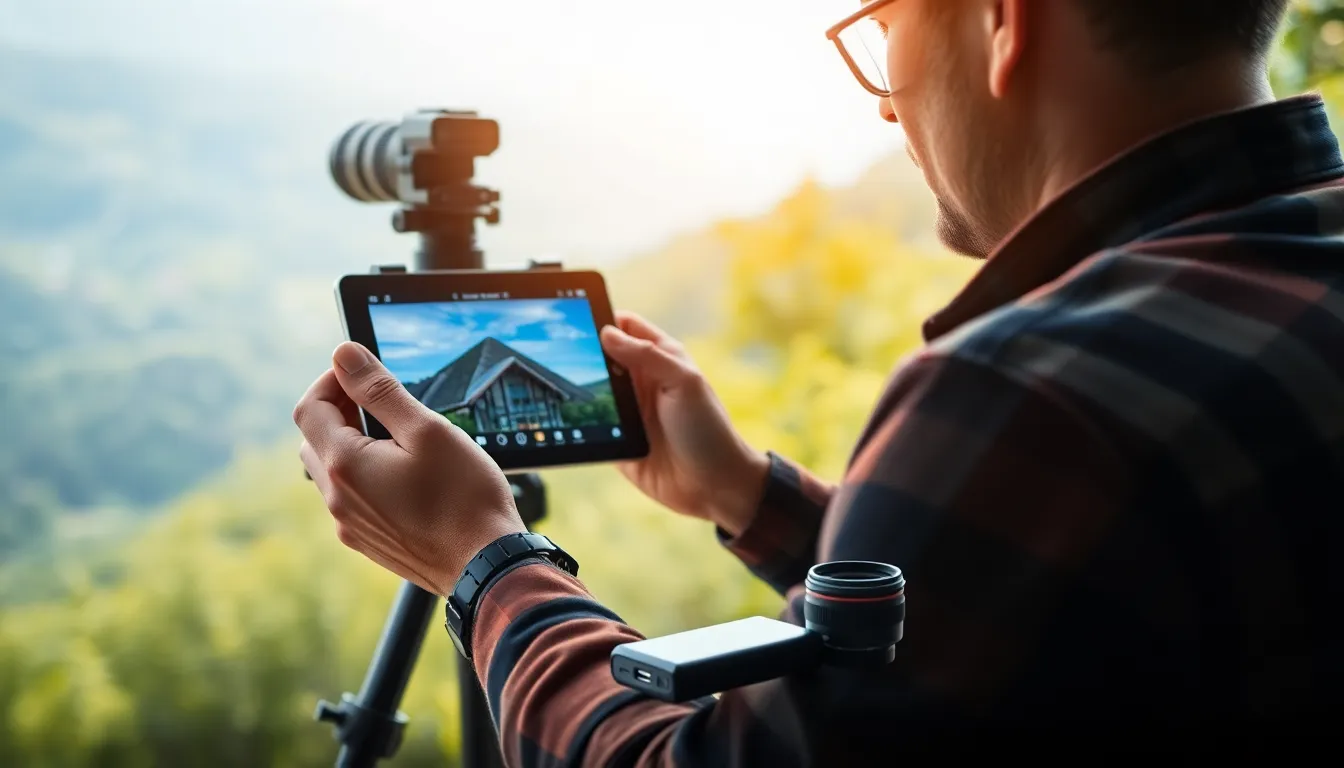
Selecting the right gear elevates tablet photography and maximizes its potential. A combination of recommended tablets and accessories leads to enhanced image quality and ease of use.
Recommended Tablets for Photography
Apple’s iPad Pro ranks among the top choices for photographers. It boasts a powerful camera system, stunning display, and extensive app support. Samsung’s Galaxy Tab S series offers excellent image quality and dynamic range. Another noteworthy option is the Microsoft Surface Pro, known for its versatility and superior processing power. These tablets provide high-resolution screens and capable cameras, making them ideal for photography enthusiasts.
Accessories to Enhance Your Setup
Using a tripod stabilizes shots and reduces blur, making it essential for tablet photography. A clip-on lens kit broadens creative possibilities by allowing macro and wide-angle shots. Additionally, a portable external battery extends shooting duration and prevents battery drain. A protective case safeguards the tablet against impacts during outdoor shoots. An effective editing app enhances post-processing capabilities, streamlining the workflow from capture to final image.
Tips for Optimal Tablet Photography
Enhancing tablet photography involves employing the right tools and techniques. Following specific strategies leads to impressive results.
Best Camera Apps for Tablets
Finding the best camera apps increases photography potential. Popular options include Adobe Lightroom for editing, Snapseed for versatile adjustments, and ProCamera for manual settings. Each app offers unique features that cater to various styles. For straightforward shooting, Google Camera provides intuitive controls and great image quality. Additionally, some tablets come with built-in apps, maximizing accessibility. Exploring these selections can greatly enhance image capture and post-processing, enabling photographers to achieve professional-quality results without additional equipment.
Techniques for Taking Quality Photos
Employing effective techniques ensures high-quality images. Adjusting settings like exposure and focus can significantly impact results. Utilizing natural light enhances image clarity; shooting during golden hour provides the best ambient lighting. Steadying the tablet, either with a tripod or a steady grip, minimizes motion blur. Framing subjects using the rule of thirds contributes to balanced compositions and aesthetically pleasing photographs. Trying different angles and perspectives offers creative variety, promoting unique shots. Regularly checking backgrounds prevents distractions from the main subject, resulting in a cleaner final image.
Post-Processing Your Images
Post-processing transforms good images into great ones. Utilizing the right apps enhances creativity, adjusts settings, and optimizes photos for sharing.
Editing Apps for Tablets
Editing apps cater to various skill levels and needs. Adobe Lightroom offers advanced editing tools, ideal for detailed adjustments and presets. Snapseed provides user-friendly options and powerful filters. ProCamera excels at manual controls and unique effects. Capture One is favored by professionals for its comprehensive features, while VSCO combines editing tools with a social platform. Each app brings distinctive capabilities, making it essential to choose based on specific requirements and editing preferences.
Exporting and Sharing Your Photos
Exporting images occurs after editing completes. High-resolution settings ensure quality during sharing. Tablet apps usually offer direct sharing options to social media platforms like Instagram and Facebook. They also support traditional uploads to cloud services for backup. Compressed file formats maintain standard quality while optimizing image size. Sharing allows photographers to showcase their work easily. Popular methods include email, messaging apps, and integration with portfolios. Individual needs and audience preferences guide the exporting and sharing process effectively.
Tablet photography opens up a world of creative possibilities for both amateur and professional photographers. With the right tools and techniques, anyone can capture stunning images on a device that’s both portable and versatile. By leveraging high-quality apps and accessories, photographers can enhance their skills and achieve impressive results.
Whether using a tablet for casual snapshots or serious projects, understanding its strengths and limitations is key. The ability to edit and share images quickly adds to the appeal, making tablets an excellent choice for modern photography. Embracing these strategies allows photographers to fully realize the potential of their tablets and take their photography to new heights.