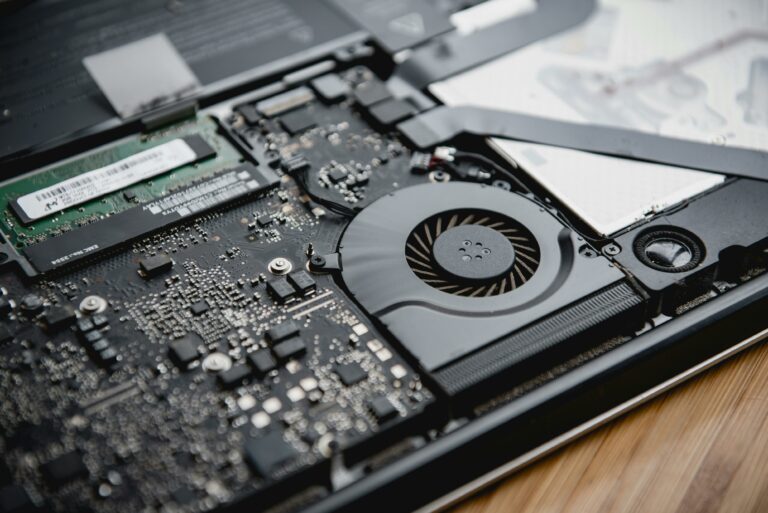
Ever noticed your phone feeling like it just ran a marathon? It’s not training for the Olympics; it’s just trying to keep up with your endless scrolling and app-hopping. While it might seem like your device is auditioning for a role in a sci-fi movie, there’s a perfectly good explanation behind that heat.
Reasons Why Do Phones Get Hot
Phones typically heat up from various factors. Understanding these reasons helps in managing device temperatures effectively.
High-Performance Applications
High-performance applications significantly contribute to phone overheating. Apps for gaming, video editing, and augmented reality demand extensive processing power. Such tasks generate excess heat as the processor works harder, often causing the device to become warm or hot. Users might notice increased temperatures during resource-intensive activities, especially if multiple applications run simultaneously.
Background Processes
Background processes also lead to heat generation. Many apps continue functioning even when not actively in use, consuming CPU and battery resources. These processes include syncing data, receiving notifications, and updating content. When too many background tasks operate, the device experiences additional strain, resulting in heat buildup. Optimizing app settings can help limit these processes and manage device heat.
Environmental Factors
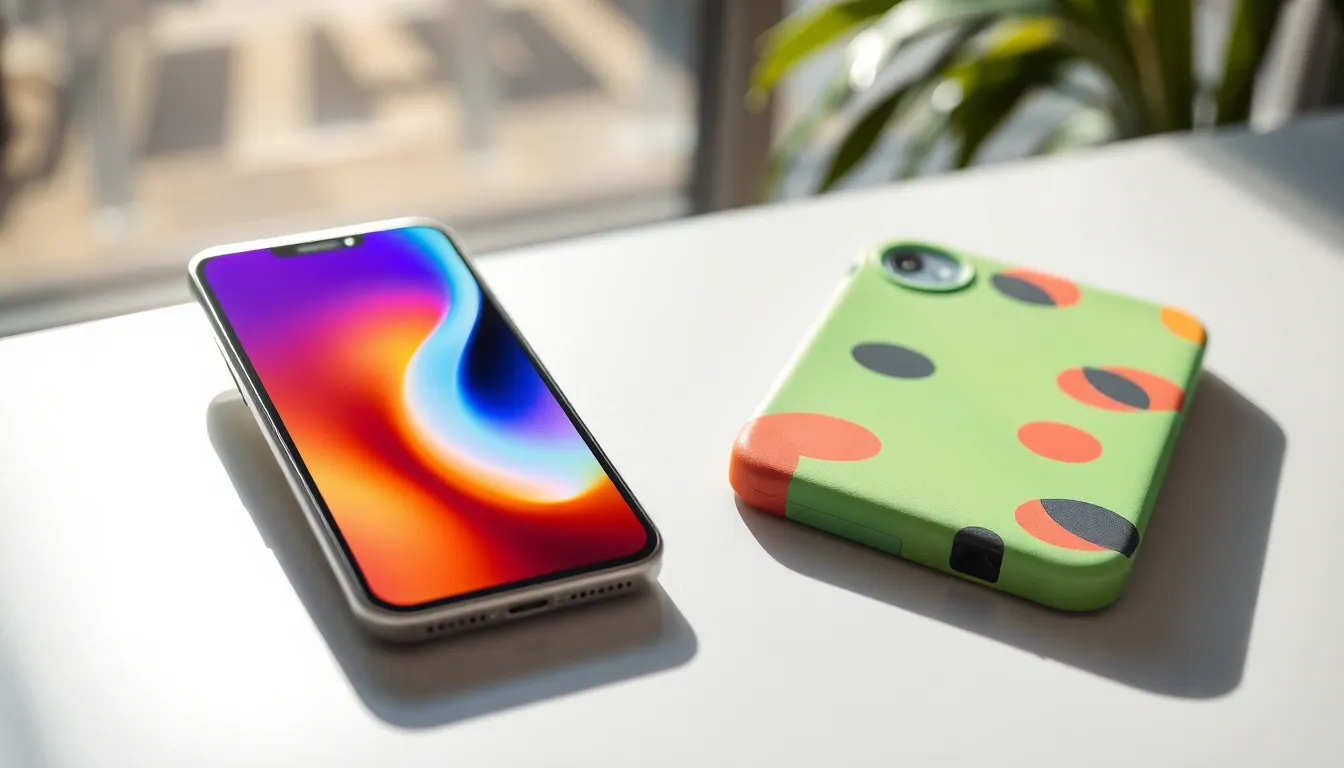
Environmental conditions significantly influence smartphone temperatures. Multiple factors come into play, including temperature, humidity, and insulation.
Temperature and Humidity
High ambient temperatures can stress devices. Their internal components generate heat, particularly during resource-intensive tasks. Excessive humidity complicates the situation, as moisture can interfere with the phone’s cooling mechanisms. Electronics operate best between 32°F and 95°F. Outside these parameters, overheating risks increase. Users should avoid leaving phones in direct sunlight or hot vehicles. Low humidity can also negatively affect performance, causing battery drainage during long usage periods.
Insulation in Cases
Phone cases provide protection but can trap heat. Some materials, like heavy-duty plastic or silicone, insulate devices, preventing heat dissipation. Slimmer cases generally allow for better airflow. Users might notice increased temperatures when using thicker cases during intense activities, such as gaming. Choosing a case designed for heat management can improve thermal performance. Customers often overlook this detail, but it plays a crucial role in device longevity. Selecting a case that balances protection and heat dissipation contributes to a cooler smartphone experience.
Charging and Battery Issues
Charging and battery performance can significantly impact smartphone temperatures. High temperatures often arise during charging, especially with rapid charging technologies.
Fast Charging Technology
Fast charging technology delivers power to smartphones at rapid rates. It can lead to increased heat generation, especially during the initial charging phase. This heat occurs as energy flows rapidly into the battery, elevating its temperature. Along with this, the charger’s wattage plays a role; higher wattage leads to more heat production. Users might notice that their phones feel warmer when using these chargers, particularly if using them frequently.
Battery Health and Age
Battery health and age influence overheating. Lithium-ion batteries degrade over time, which can lead to poor performance. An older battery may struggle to maintain charge and generate more heat as a result. Signs of degradation include reduced lifespan and slower charging capabilities. Users should consider replacing batteries that show significant wear. Maintaining battery health extends smartphone longevity and helps manage heat levels effectively.
How to Prevent Overheating
Overheating in smartphones can often be mitigated through simple adjustments and regular maintenance. Users can implement effective strategies to keep devices cooler during heavy use.
Adjusting Settings
Adjusting phone settings can significantly reduce heat generation. Lowering screen brightness minimizes energy consumption and heat output. Deactivating unused apps in the background further decreases CPU load, preventing excessive heat. Enabling battery saver mode reduces processing power and conserves battery life. Utilizing airplane mode in areas with poor signal helps reduce strain on the device. Each adjustment contributes to enhanced thermal regulation and improved performance.
Phone Maintenance Tips
Regular phone maintenance promotes optimal functioning and prevents overheating. Cleaning the device’s exterior removes dust that can hinder cooling. Users should also replace worn-out batteries, as degraded batteries often produce more heat. Periodic software updates enable devices to run efficiently, optimizing performance and thermal management. Avoiding heavy resource-intensive tasks in high-temperature environments is essential for performance longevity. Ensuring phone cases allow for proper airflow aids in dissipating heat effectively. Each of these practices helps sustain a cooler device during everyday use.
Smartphones are designed to handle a variety of tasks but can become hot due to several factors. High-performance applications and background processes put a strain on the CPU and battery. Environmental conditions like heat and humidity further exacerbate the issue.
Users can take proactive steps to manage heat, such as adjusting settings and maintaining their devices. Regular checks on battery health and choosing appropriate phone cases can also help. By understanding the causes of overheating and implementing these strategies, users can enhance their smartphone experience while prolonging the device’s lifespan.